Streamlit app
Timestamp Tester
Test timestamp strings directly in Snowflake to find out which format pattern matches — including support for all format groups from the Timestamps macro.
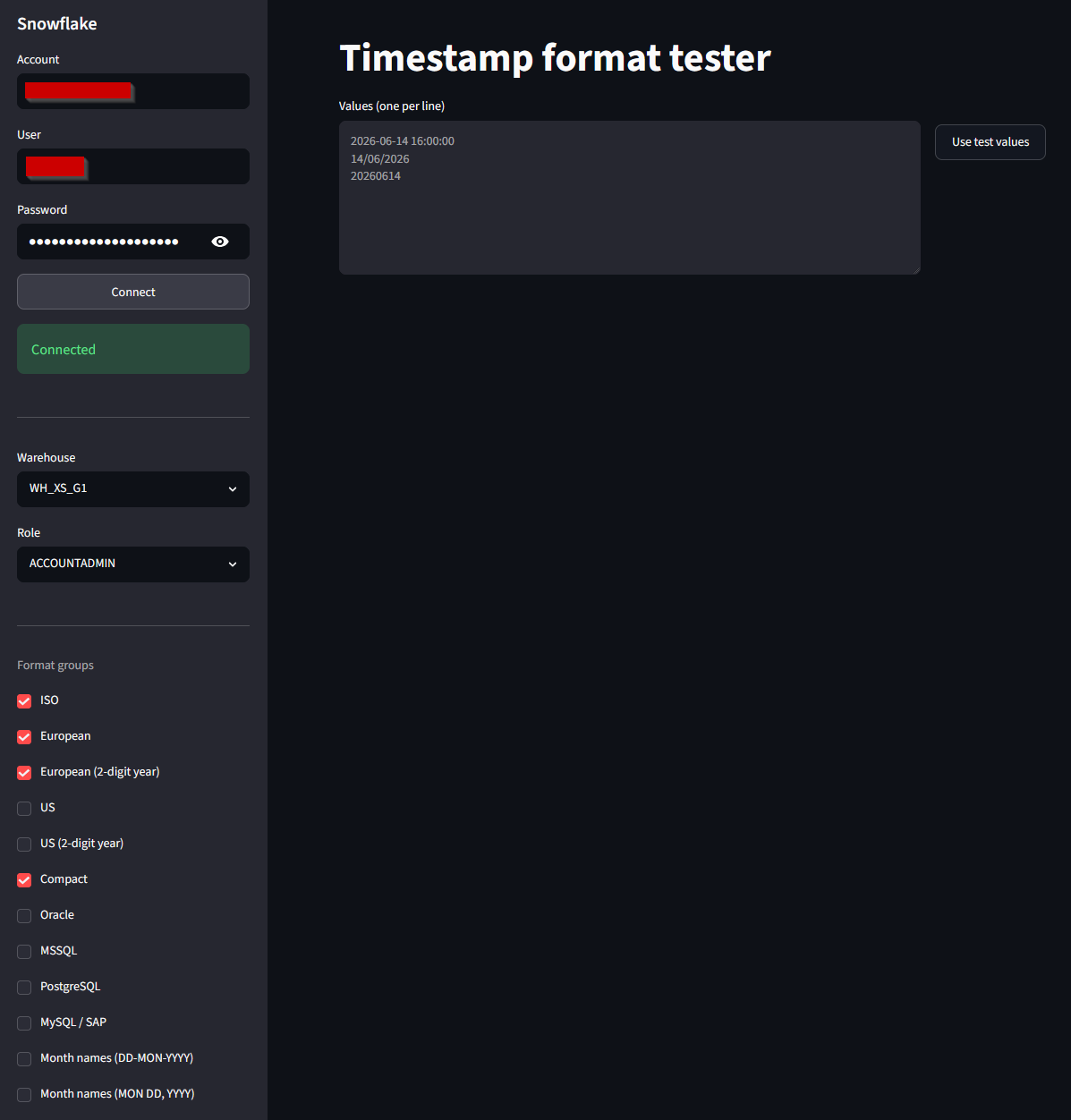
Goal
When onboarding a new data source you often don't know in which format date strings are stored. The Timestamp Tester sends your input as one query to Snowflake, tests each value against all selected format groups and immediately shows which pattern matches — and which values are unparseable.
Results are displayed colour-coded: green for a match, red for a failure. Non-matching values are listed separately.
Supported format groups
| Group | Examples |
|---|---|
| ISO | 2024-04-12T14:30:00Z |
| European | 12-04-2024, 12/04/2024 |
| US | 04/12/2024 |
| Compact | 20240412 |
| Oracle / MSSQL / PostgreSQL / MySQL / SAP | Database-specific formats |
| Month names | 12 april 2024, April 12 2024 |
Compact formats are always tested first to prevent misinterpretation. ISO values with a T separator or trailing Z receive a fallback test.
Usage
1. Start the app
streamlit\timestamps\start.cmd
2. Connect to Snowflake
Enter your Snowflake account credentials in the sidebar. The app stores your credentials locally via Windows Credential Manager.
3. Enter timestamp strings
Paste one or more values in the input field (one per line) and choose which format groups you want to test:
2024-04-12T14:30:00Z
12-04-2024
April 12 2024
20240412
4. View results
The table shows per value the original, the matching format pattern and the parsed timestamp. Non-matching values are highlighted in red and listed separately.