Notepad++ plugin
JSON and CSV tools
Two formats, each with their own everyday annoyances: JSON crammed onto one line and unreadable, or a CSV export whose columns don't line up the moment you open it in a text viewer. Both submenus fix that immediately, without opening Excel or an online tool.
JSON: pretty-print, minify, sort keys, escape/unescape
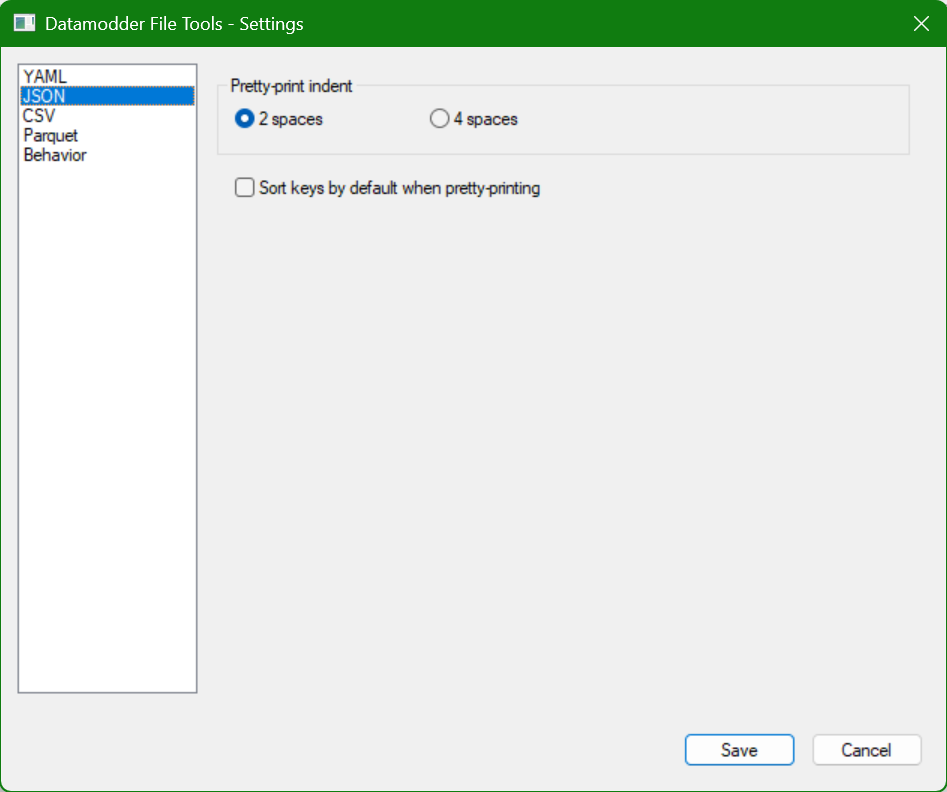
Pretty-print turns compact JSON into readable, indented form (2 or 4 spaces, configurable); Minify does the opposite, for an API payload say. Sort keys orders object keys alphabetically — handy for diffing two JSON files. Escape/unescape turns a whole JSON document into a string literal (and back), for embedding JSON inside another file.
Before
{"env":"production","retries":3,"tags":["billing","orders"],"active":true}After
{
  "active": true,
  "env": "production",
  "retries": 3,
  "tags": [
    "billing",
    "orders"
  ]
}
CSV: align, sort, transpose, quotes
Align columns pads every column to equal width so you can read a CSV as a table without opening Excel; Compact undoes that again. The parser understands quoted fields that themselves contain a comma or newline, and a doubled quote as a literal quote (RFC 4180), so aligning never breaks on such fields. On top of that: switch delimiter (, ↔ ;), sort by column, transpose rows and columns, and add or remove quotes independently of aligning.
Before
id,name,note
1,Orders Service,"handles orders, billing"
23,Auth,ok
After
id,name,note
1 ,Orders Service,"handles orders, billing"
23,Auth           ,ok
Frequently asked questions
Does Align columns break on a field containing a comma?
No — the CSV parser splits fields correctly per RFC 4180: a quoted field containing a comma, newline or doubled quote is treated as a single field, not as multiple columns.
Can I add quotes without also aligning?
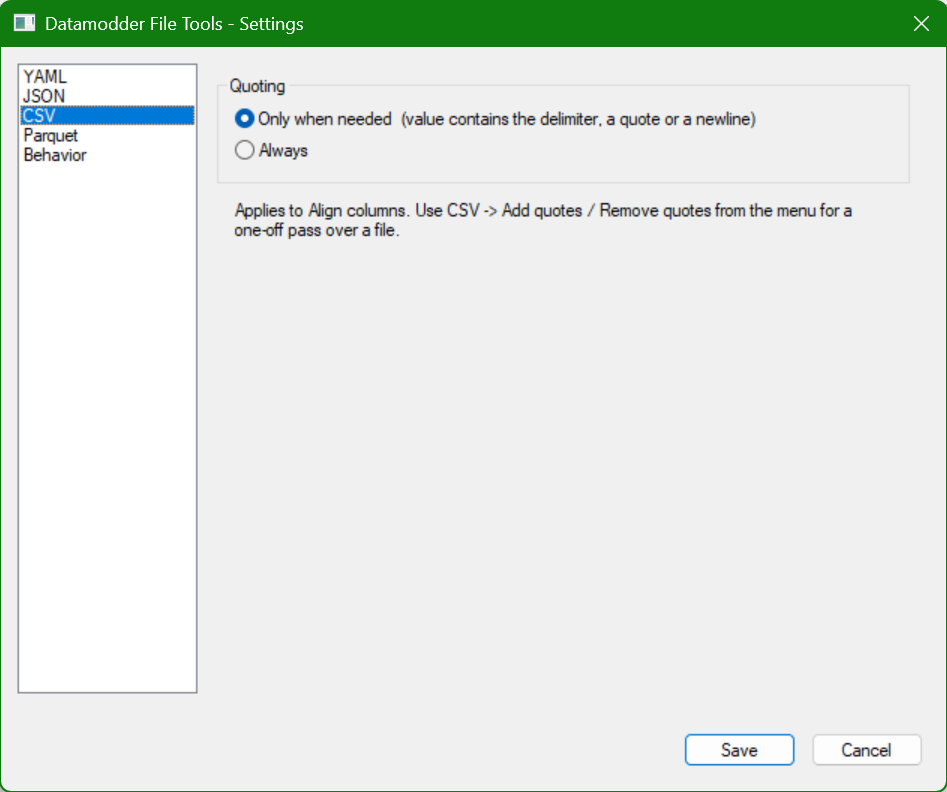
Yes — CSV → Add quotes / Remove quotes is a separate action for a one-off pass over the file; the configurable 'Quoting' behavior on the CSV tab then determines when Align columns itself adds quotes (only when needed, or always).